AI Palm Reading
COMPUTER VISION · SYMBOLIC READING
Your hand, genuinely observed
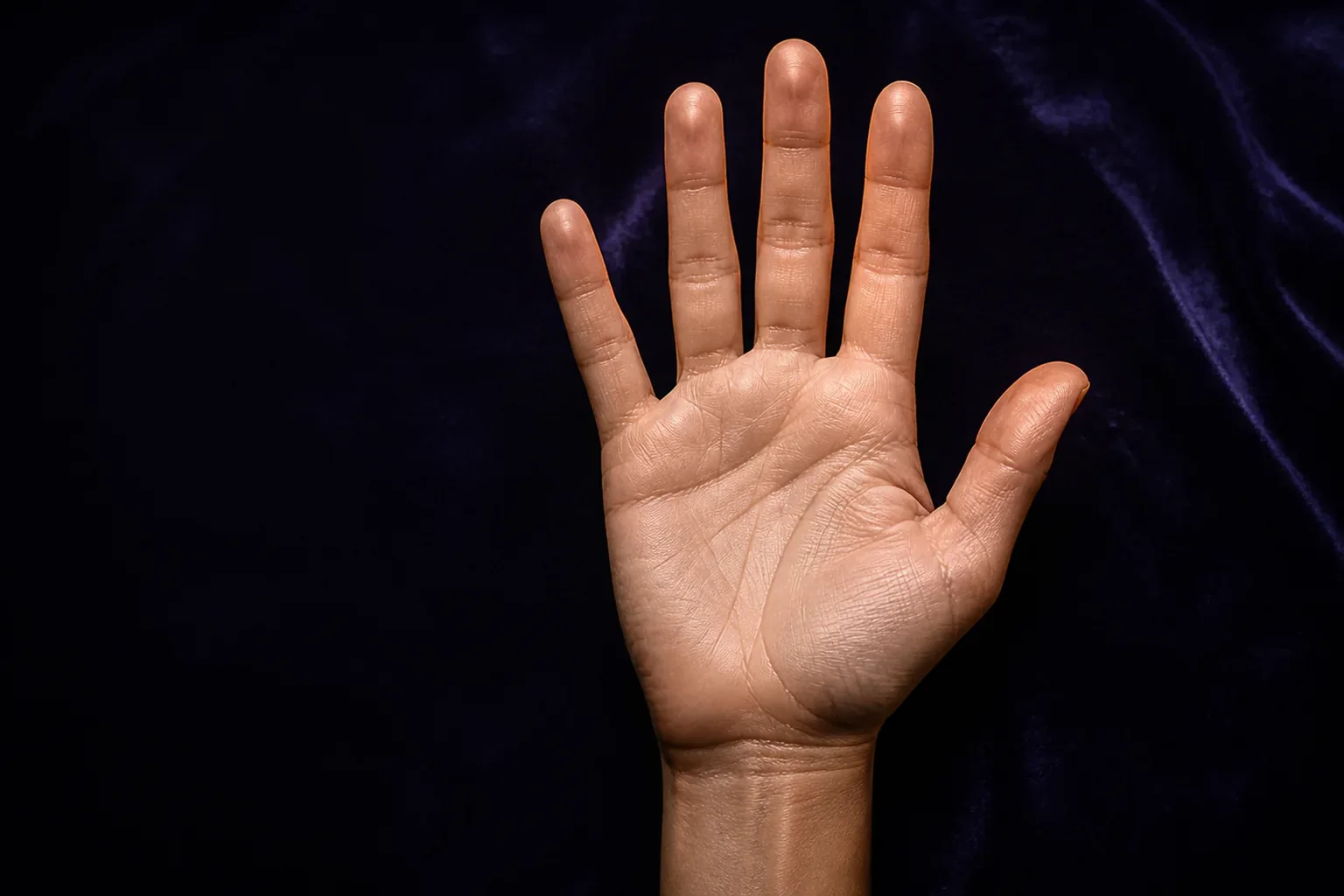
Upload one open palm. The AI checks the photo, recognises its shape and four main lines, and shows you what each part of the reading is based on.
- One photo only
- No age or gender
- The image is discarded afterwards
PREPARE YOUR READING
One clear photo and two useful details
We do not need your age or gender. Just tell us which hand you are showing and whether it is the one you write with.
Reading the visible signs
Preparing the photograph…
0 s
The AI is examining each line. Keep this page open for a few moments.
VISUAL READING COMPLETE
Energy and direction
Your strength
What to watch
A key for you
EXPLAINABLE READING
What the AI recognised
These five visual decisions shape the reading. If one does not resemble your hand, you can take another photograph.
Palmistry is a symbolic tradition, not a science or health assessment. The AI may misread a line; use the result for reflection rather than literal prediction.
A photograph can reveal details that are difficult to sort out at a glance: the proportion between palm and fingers, the general path of the heart and head lines, the arc of the life line, and whether a fate line is clearly visible. This AI palm reading organises those visible features into an understandable symbolic interpretation without asking you to compare your hand with a set of drawings.
What the AI examines in your palm
The visual analysis makes five focused decisions. It first places the overall hand shape within the traditional Earth, Air, Fire, or Water types. It then examines the heart, head, life, and fate lines and selects the closest visible pattern for each one. The result displays those observations alongside the reading so you can see what the interpretation is based on.
Why we do not ask for age or gender
Age and gender are not needed to recognise the visible geometry of a palm. Asking for them would add personal information and could bias the interpretation without improving line detection. We only ask which hand appears in the photograph and whether it is dominant, because palmistry traditionally distinguishes developed experience from original tendencies.
How to take a useful hand photograph
Open your palm naturally, separate your fingers slightly, and hold the camera directly above it. Use soft, even light and make sure no finger is cropped. A plain background helps the visual model separate the outline. If the image is dark, blurred, tilted, or contains more than one hand, the app asks for another photograph rather than inventing a reading.
What happens to the photograph
Your browser reduces the image and removes its usual metadata before sending it. The server confirms that it is a genuine image, limits its size, and passes it temporarily to the visual model. The photo is not saved in the database or included in the sharing card; it is discarded once the analysis finishes.
A symbolic reading, not biometrics
This tool does not identify people, compare fingerprints, or infer health, age, origin, or identity. Palmistry belongs to the realm of tradition and personal reflection, not scientific prediction. The AI can also mistake a fine crease for a shadow, which is why the result explains what it believes it saw and lets you take another photograph.