What planetary hour is it now?
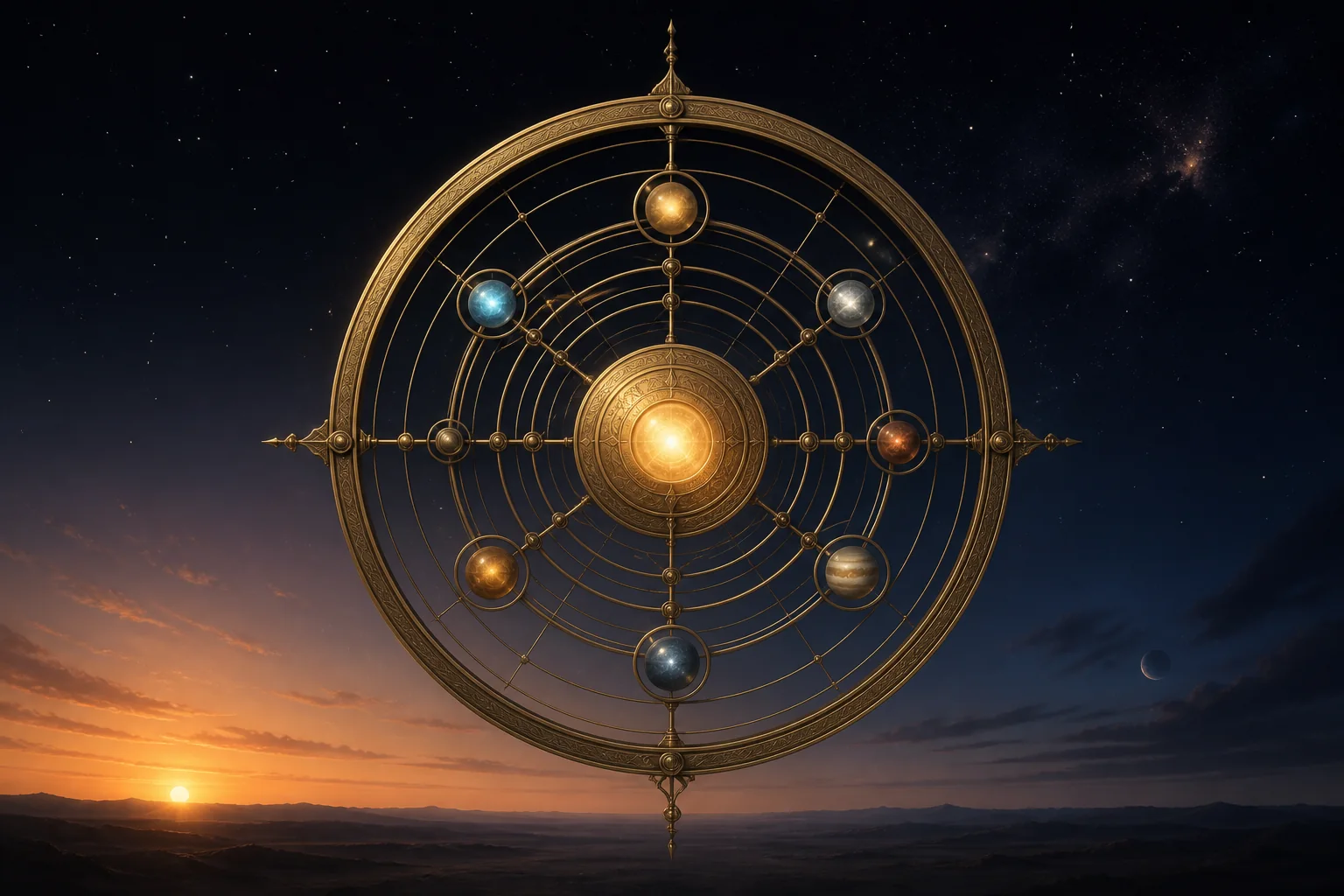
What planetary hour is it now?
Choose your city to see which planet rules this moment, when the hour changes and the activities traditionally associated with it.
Choose the nearest city
Sunrise does not happen at the same time in London, New York and Sydney. Your city lets the clock build the hours of your actual day.
Your last city is saved only in this browser, so the clock can open straight away when you return.
Associated with
Less suited to
Before, now and next
See all 24 planetary hours for today
The 12 day hours
The 12 night hours
Traditional correspondences presented for symbolic reflection and entertainment.
Planetary hours are a traditional way of dividing the day by the Sun’s apparent movement. They are not necessarily sixty minutes long: the time from sunrise to sunset is split into twelve day hours, and the time from sunset to the following sunrise into twelve night hours.
How to find the planet ruling now
Choose your city or the nearest one available. The clock calculates sunrise and sunset for the local date, finds the period you are in and follows the traditional sequence of Saturn, Jupiter, Mars, Sun, Venus, Mercury and Moon. The first hour after sunrise belongs to the planet associated with that day of the week.
Why each hour changes length
Summer usually brings more daylight, so planetary day hours become longer and night hours shorter. Winter reverses the pattern. The clock calculates fresh boundaries every day and keeps a live countdown running until the next change.
What the associations mean
Each planet is symbolically connected with certain rhythms and activities: Mercury with communication and study, Venus with relationships and beauty, Mars with action, Jupiter with growth, Saturn with discipline, the Sun with visibility and the Moon with care and adaptation. These are traditional correspondences, not a promise that an outcome will occur.
The calculator runs entirely in your browser. It does not request your location or send your chosen city to an outside service. It only remembers the last selection on that device so the clock can be ready more quickly when you return.